
(Important note: Vk.com social login require PHP 7.2 version or above)
- Install VK.com Social Connect for UserPro and activate it.
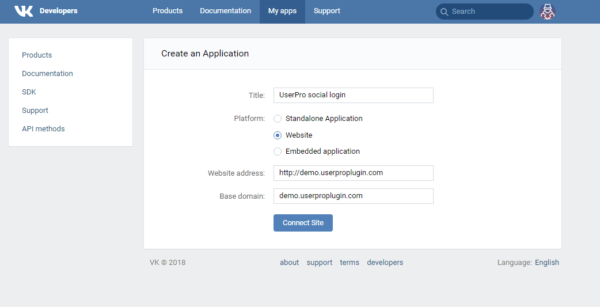
- Go to https://vk.com/apps?act=manage and click Create application.
- Enter Title and select Website as Platform. Fill Website address and Base domain.
- Click Connect Site.
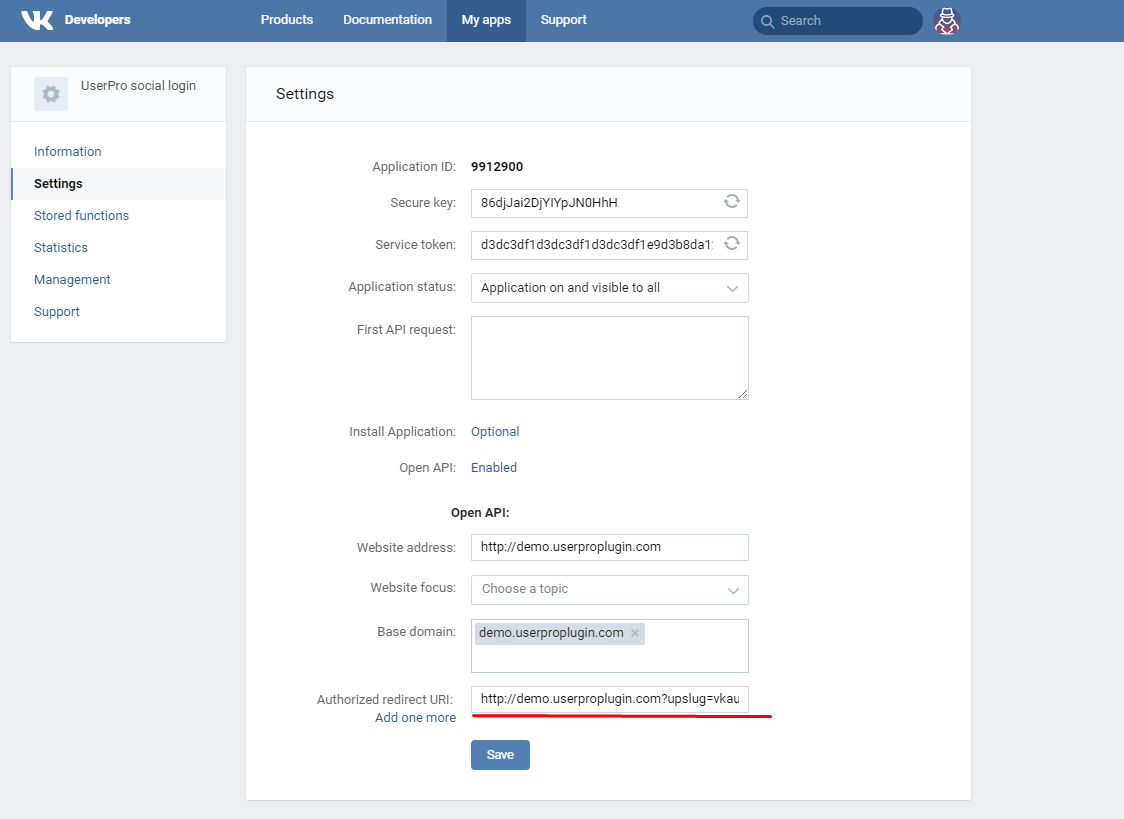
- Go to Settings. In the Authorized redirect URI enter your website address and ?upslug=vkauth at the end. Click Save.
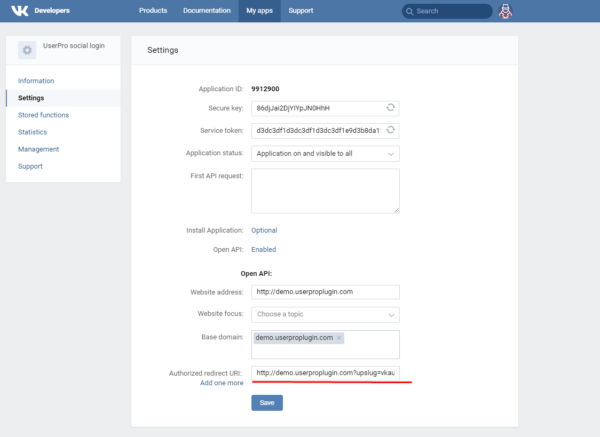
- Copy Application ID and Secure key.
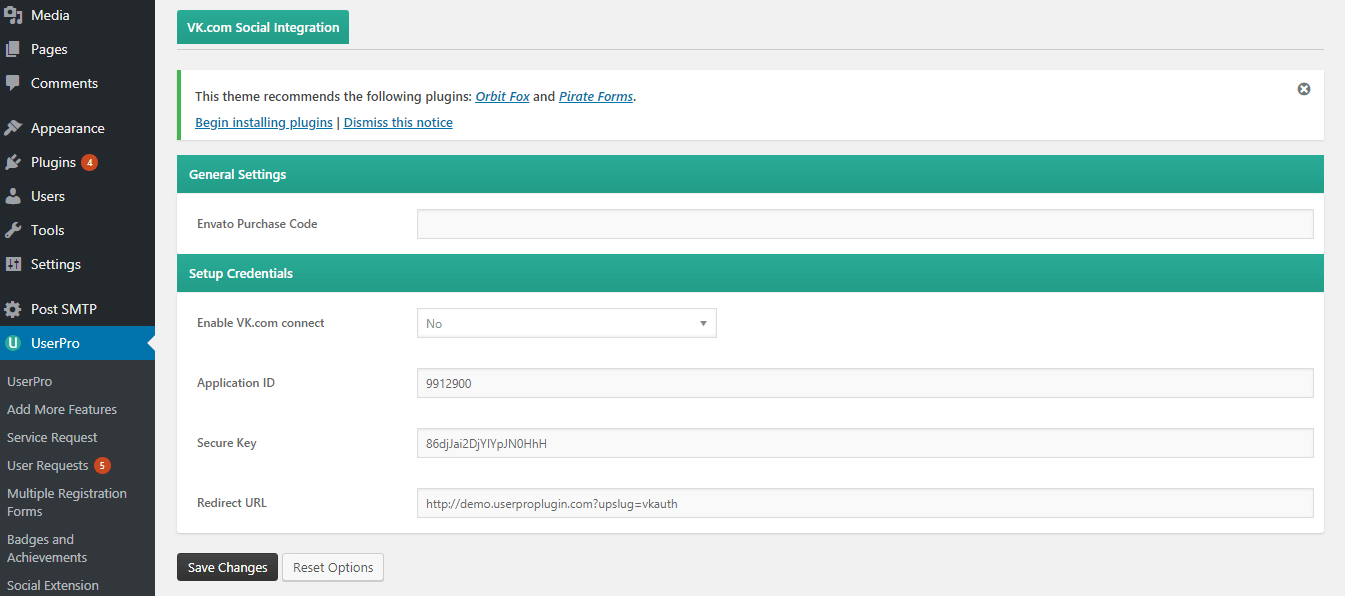
- Now go to your site WordPress dashboard UserPro->VK.com->Setup Credentials. Change Enable VK.com connect setting to Yes. Paste Application ID and Secure Key. In the Redirect URL enter your site url and ?upslug=vkauth. This address should be the same as in the step 4.

- Click Save Changes.
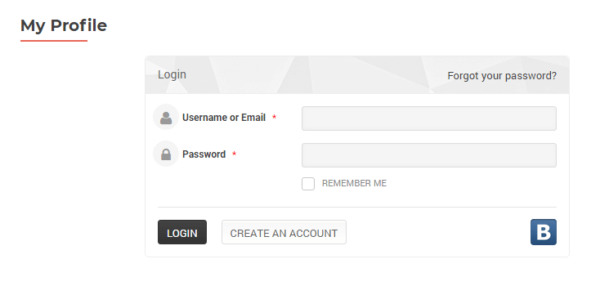
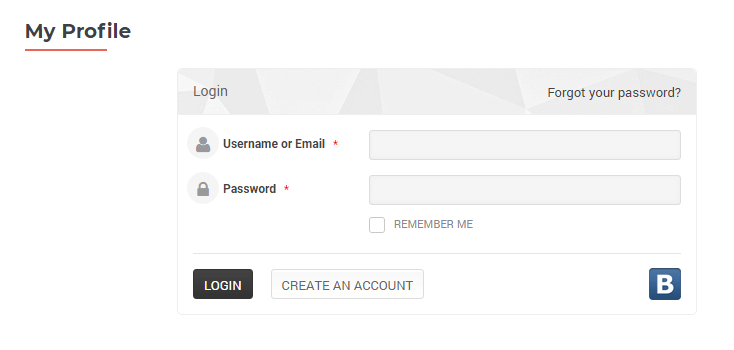
- Now you should able to see Vk.com login icon in the login page.

Leave A Comment?